
Payments · 24 October 2026 · 6 min read
How to Accept M-Pesa Payments on Your Website
In Kenya, a checkout without M-Pesa loses customers. Here are the main ways to add it, and how to pick the right one for your business.
By Sege Peter, Founder, Skope Designs
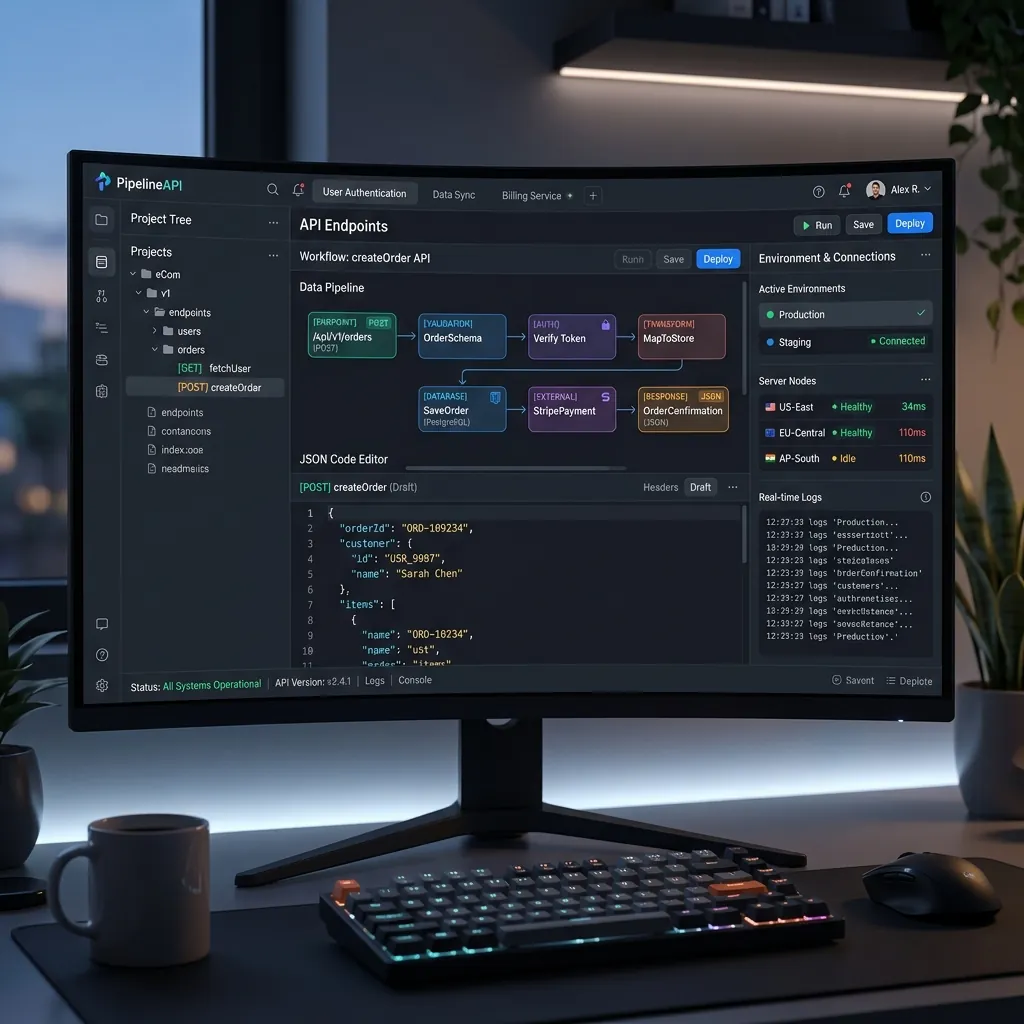
Most Kenyan customers would rather pay with M-Pesa than type in card details. The good news is that taking M-Pesa online is now routine. The question is which route fits your volume, budget and technical setup.
Start with a Paybill or Till number
Whatever method you choose, you need a Safaricom business number: a Paybill (with account numbers, good for invoices and fees) or a Till (Buy Goods, good for retail). Apply through Safaricom with your business registration documents. If you already take M-Pesa in your shop, you may be able to use the same number online.
Option 1: Show the number and confirm manually
The simplest setup is to display your Paybill or Till at checkout and ask customers to enter the M-Pesa code. Someone then confirms each payment by hand.
Good for: a few orders a day while you test demand. Downside: slow, error-prone and easy to fake with an old code. Most businesses outgrow it quickly.
Option 2: Safaricom's Daraja API (STK Push)
Daraja is Safaricom's official API. With Lipa Na M-Pesa Online, often called STK Push, the customer enters their phone number, a payment prompt pops up on their phone, they enter their PIN, and your website is told instantly whether the payment went through. Orders are marked paid automatically.
Good for: businesses that want the smoothest checkout and no middleman. What it involves: a developer to build and test the integration, a secure server to receive Safaricom's payment confirmations, and Safaricom's approval before the integration goes live. It is the route we use when M-Pesa is built into a custom system, such as fee payments in the EduMy school portal.
Option 3: A payment gateway
Gateways such as Paystack, Flutterwave, Pesapal and IntaSend sit between your site and the payment networks. One integration gives you M-Pesa and cards, and often other mobile money too, with a ready-made checkout and a dashboard for refunds and reports.
Good for: businesses that also want card payments, or that sell to customers outside Kenya. Downside: the gateway charges a fee per transaction, and payouts reach your bank on the gateway's schedule rather than instantly. Compare current fees and settlement times before signing up.
Option 4: A plugin for your platform
If your shop runs on WordPress with WooCommerce, or another popular platform, there are plugins that connect to Daraja or to a gateway. Setup is faster than a custom build.
Watch out for: plugins that are no longer maintained. Choose one with recent updates and good reviews, and test it with real small payments before launch.
How to choose
- Just starting out? A gateway or plugin gets you live quickly.
- Want cards as well? A gateway covers both in one integration.
- High volume, M-Pesa only? A direct Daraja integration avoids gateway fees and gives you the most control.
- Custom system such as a school portal, POS or booking app? Daraja, built into your own system, usually fits best.
Whichever route you take
- Confirm payments from the server, never just from what the browser says.
- Send customers an on-screen and SMS or email receipt.
- Handle failed and cancelled prompts clearly, with an easy way to retry.
- Reconcile payments against orders every day, at least at first.
- Test with small real amounts before you announce the launch.
Want M-Pesa checkout on your website or system? Tell us about your setup and we will recommend the simplest route that works.
Have a project in mind?
Tell us what you need. We'll reply within 24 hours with ideas, a timeline and a free quote.