
Business Systems · 10 October 2026 · 6 min read
POS Systems for Small Shops in Kenya: What to Look For
A good point of sale system does far more than print receipts. It tells you what is selling, what is running out and where money is leaking.
By Sege Peter, Founder, Skope Designs
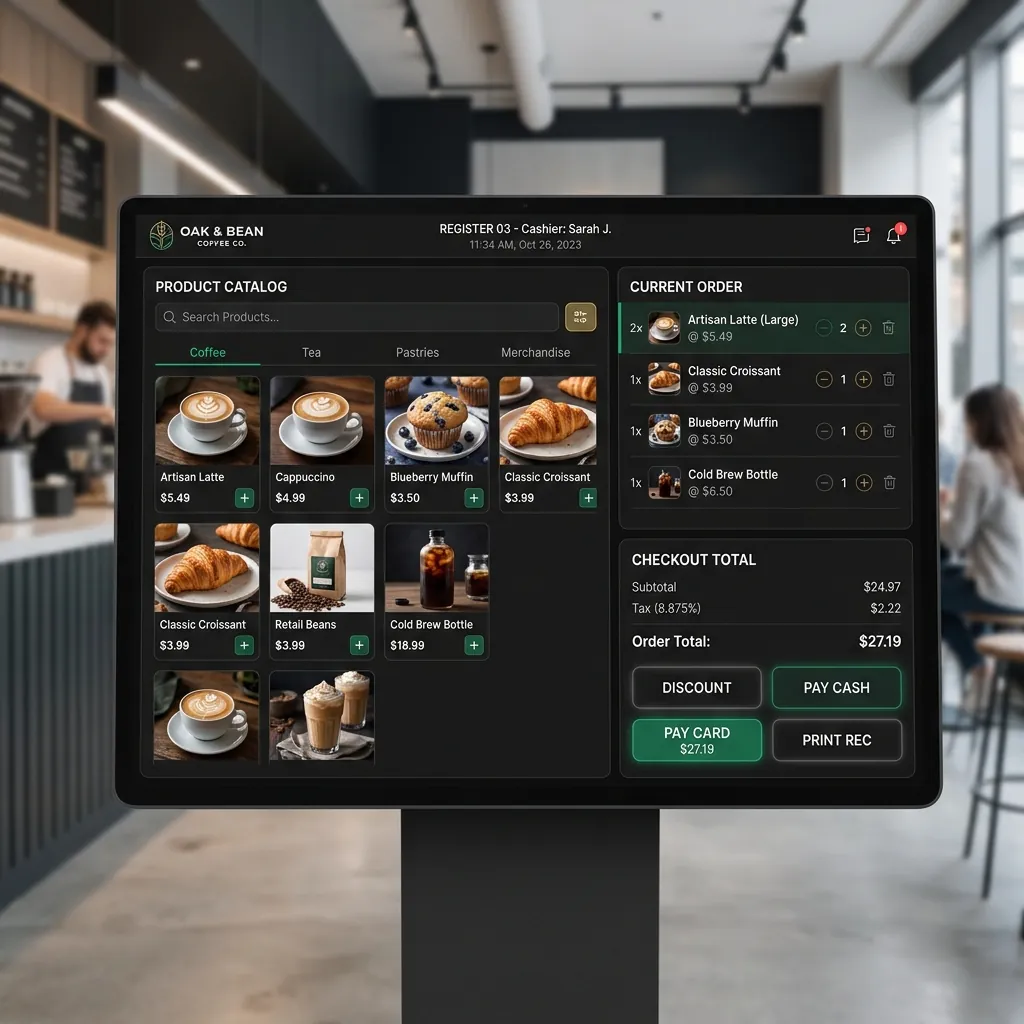
If you run a shop, restaurant, salon or pharmacy, you probably know the end-of-day routine: counting cash, checking M-Pesa messages, and trying to work out why the numbers do not match. A point of sale (POS) system fixes most of that. Here is what to look for.
1. Fast, simple checkout
At busy times every second counts. Your cashier should be able to find a product by name, barcode or a quick button, take payment and print or send a receipt in a few taps. If staff need long training to make a sale, the system is too complicated.
2. M-Pesa and mixed payments
Most Kenyan customers pay by M-Pesa. A good POS records M-Pesa, cash and card payments against each sale, and ideally confirms M-Pesa payments automatically so cashiers do not have to read messages. It should also handle split payments, such as part cash, part M-Pesa.
3. Stock that updates itself
- Stock levels drop automatically with every sale.
- Low-stock alerts tell you what to reorder before it runs out.
- Receiving deliveries and recording supplier costs is quick.
- For pharmacies and food businesses, batch and expiry date tracking matters.
4. Reports you will actually read
You should be able to see, at a glance, daily sales, best-selling items, profit per product and sales per cashier. The real value of a POS is the decisions these reports make possible: what to stock more of, what to discount and when to staff up.
5. Control and accountability
Give each staff member their own login. Limit who can give discounts, delete sales or change prices, and keep a record of who did what. This alone often stops stock and cash going missing.
6. Works when the internet does not
Connections drop. Make sure the POS keeps selling offline and syncs when the internet returns. Ask about power cuts too: does it run on a laptop or tablet with a battery?
7. Tax and receipts
Depending on your business, you may need receipts that meet KRA eTIMS requirements. Check with your accountant what applies to you, and ask the vendor whether the system can support it.
8. Room to grow
If you plan to open a second branch, choose a system that can show all branches in one dashboard and move stock between them. Also check whether it can connect to an online shop or your accounting software later.
9. Hardware and support
Ask exactly what hardware you need (tablet, receipt printer, barcode scanner, cash drawer) and whether the system works with what you already have. Most importantly, find out who supports you when something goes wrong on a busy Saturday.
Ready-made or custom?
A ready-made POS works for many shops. A custom POS makes sense when your business has its own way of working: special pricing, a restaurant workflow, a pharmacy's batch tracking or several branches. We build both simple and custom POS systems. See what our POS includes or request a demo.
Have a project in mind?
Tell us what you need. We'll reply within 24 hours with ideas, a timeline and a free quote.