
Education · 11 October 2026 · 7 min read
Choosing a School Management System: A Checklist for Kenyan Schools
The right system saves your office hours every week. The wrong one becomes another thing staff work around. Use this checklist before you commit.
By Sege Peter, Founder, Skope Designs
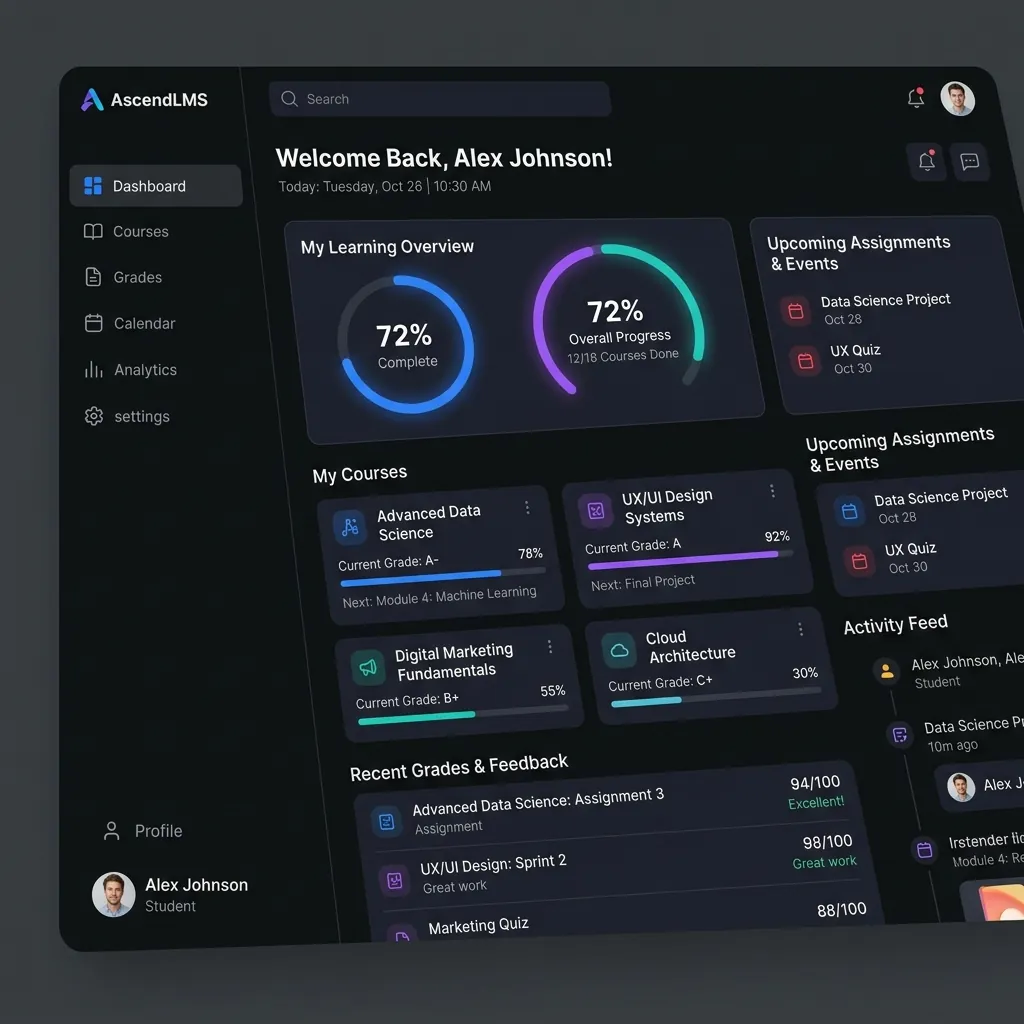
Many schools still run on a mix of spreadsheets, exercise books, receipt books and WhatsApp groups. It works, until fee balances do not add up, report cards take a week to compile, or a parent says they never received a message. A school management system brings all of that into one place. Here is how to choose one well.
1. Start with your biggest pain points
Before looking at any system, ask your bursar, deputy and class teachers where they lose the most time. Typical answers are fee tracking, exam results and report cards, and communicating with parents. Rank them. The system you choose must solve your top three brilliantly; everything else is a bonus.
2. Fees and finance
- Can it record fee structures per class, term and student category?
- Does it show balances instantly and produce statements parents understand?
- Can it accept or reconcile M-Pesa payments, ideally automatically?
- Can the bursar export reports for the board and auditors?
3. Academics and exams
- Does it support your curriculum and grading, including CBC assessments where relevant?
- Can teachers enter marks quickly, even from a phone?
- Are report cards generated automatically, in a format you are proud to send home?
- Can you track a learner's progress across terms and years?
4. Parents and communication
Parents are your customers. Look for a parent portal or app where they can see fees, results and notices, plus SMS for families without smartphones. One reliable channel beats five scattered WhatsApp groups.
5. Learning tools (if you need them)
If you want online learning, check that the system can share notes and assignments, collect submissions and run simple quizzes. Do not pay for a full learning management system if your teachers will not use it; it can be added later.
6. Data protection and security
You hold sensitive information about children. Kenya's Data Protection Act applies to schools, so ask:
- Who can see what? Teachers, bursars and parents should only see their own areas.
- Where is the data stored, and how often is it backed up?
- Can you get all your data out if you ever switch systems?
7. Works with your reality
Internet is not always reliable. Ask how the system behaves when the connection drops, whether it works on ordinary phones, and whether staff can use it without a computer lab.
8. Training, support and cost over time
The best system fails if staff are not trained. Ask what training is included, who you call when something breaks, and how quickly they respond. Compare the total cost over three years, including setup, licences or subscriptions, SMS credits and support, not just the first invoice.
9. Ask for a demo with your own data
A polished sales demo proves little. Ask to see your own fee structure and a sample class in the system. If the vendor cannot do that, keep looking.
Off-the-shelf or custom?
Off-the-shelf systems are quick to start with. A custom system costs more upfront but fits exactly how your school works and grows with you. Many schools start with the essentials, fees, exams and parent communication, and add modules over time.
We build school and learning management systems for Kenyan schools. If you would like to talk through your needs, see what our school system includes or get in touch.
Have a project in mind?
Tell us what you need. We'll reply within 24 hours with ideas, a timeline and a free quote.